01⚙BUILD & EXPLORE
My Robot
Float through space and assemble 20 robots, from friendly companions to towering dinosaur machines. Watch your creations come alive.
VR GAMES · META QUEST · WEBXR
Discover VR browser games for Meta Quest. Assemble extraordinary robots, battle mutant monsters and explore a shared virtual universe — with desktop play available too.
No registration required to play. Guest scores and progress are not saved.
PICK YOUR NEXT ADVENTURE
Float through space and assemble 20 robots, from friendly companions to towering dinosaur machines. Watch your creations come alive.
Bring your assembled robots into battle. Choose your squad, hold five lanes and face 100 mutant creatures across 15 escalating waves.
A tiny enemy. A big adventure. Move, aim and survive a colorful arcade challenge as you push into the next stage.
Think a few moves ahead. Challenge the computer across ten difficulty levels, or sign in to invite a friend to a shared board.
Explore ten mysterious tunnel maps. Fight through ten mysterious maps, solve rune mazes and reach the treasure chest before each ten-minute deadline.
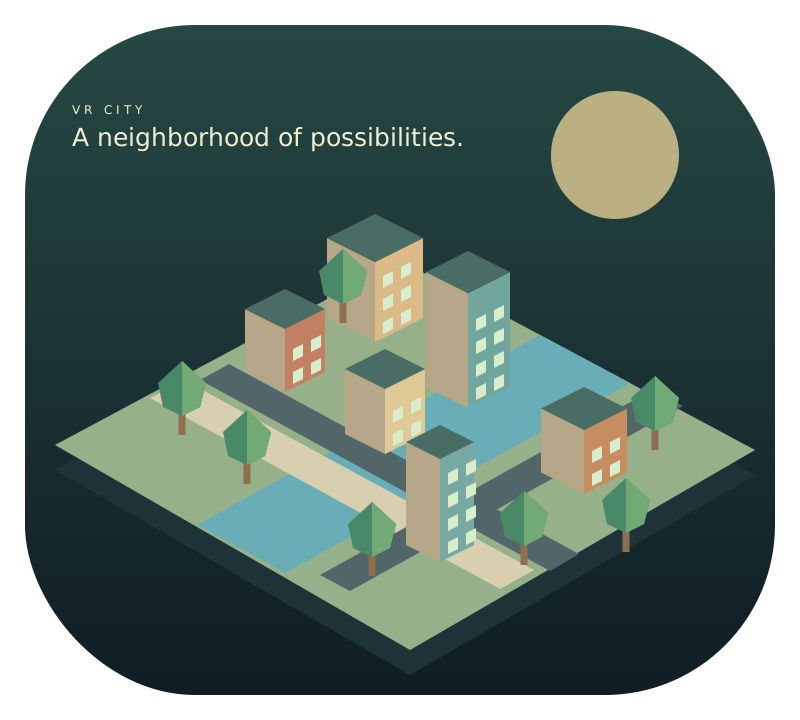 CITY BUILDER
Design a riverside neighborhood with garden homes, shops and parks. Discover VR City and choose desktop planning or immersive VR.
Explore prehistoric biomes, hunt and rescue dinosaur eggs, research rare species and hatch companions in a living 3D VR world.
LESS SETUP. MORE PLAY.
Open gamefuntv.com in Meta Quest Browser, choose Play in VR, then enter immersive mode with your controllers. On a computer, choose Play on Desktop.
Use a desktop browser, or select Enter VR from a compatible headset browser.
Open the notebook to visit the workshop, battlefield, Germ Hunt or chess.
Play as a guest to try it out. Create an account before playing to save scores, coins, robot unlocks and upgrades.
GOOD TO KNOW
Yes. All five games are available in guest mode. Robot vs Zombies gives guests five random robots for the current visit. Scores, coins, upgrades and progress are not saved for guests.
Open https://gamefuntv.com/ in Meta Quest Browser while wearing your headset. Choose Play in VR and use the Enter VR button to approve the immersive session. WebXR and controller support are required. Without a headset, choose Desktop to play with a mouse and keyboard.
Sign in to invite registered friends to a shared room, see one another and play chess together. Voice chat requires microphone permission. Connection quality depends on your networks and the server configuration.